Find & Add Specific Papers (by DOI & Title)
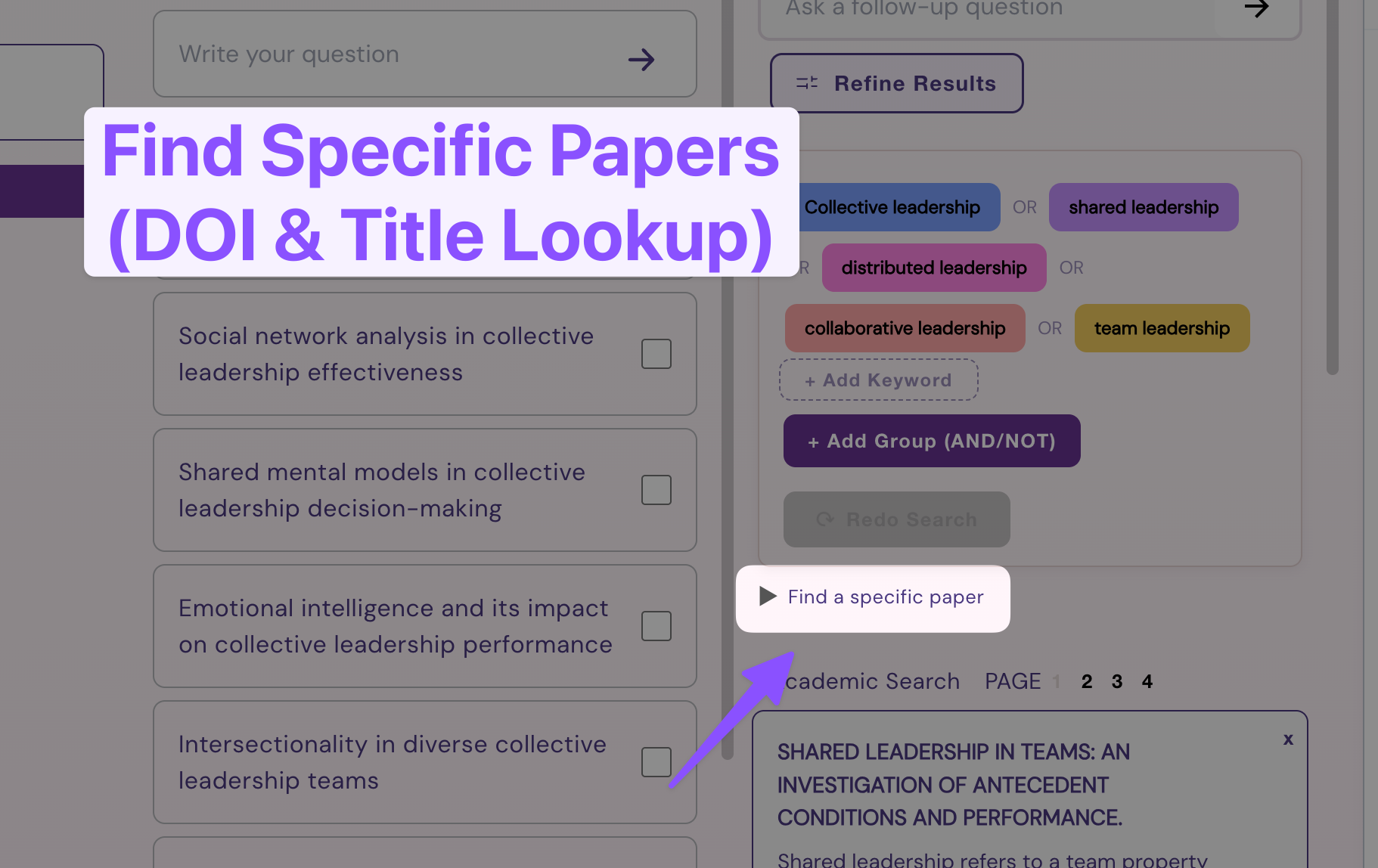
Wonders has always been great for exploration, but finding specific papers meant juggling keywords and Author filters. We heard your feedback and added an easier way to lookup specific papers by DOI and Title. Here’s how to do it…
Lookup Specific Papers (Precision Lookup)
Unfurl the “Find a specific paper” search box

Enter your desired paper DOI or Title (partial title also works):
DOI Lookup

Title Lookup (can also be just part of the title - Wonders will pull up several matching papers)

Find your paper

Click (+) Save to Topic to keep your paper in your project

Keep your fresh new paper handy!

And that’s it. After saving the paper into your topic, it will become part of your research board’s library until you choose to remove it. We’re also adding new ways to access full-text PDFs directly in Wonders.
Let us know what you think of this new feature & drop any other ideas on how might we support your research workflows on our Feedback Portal.
– Wonders Team