Access Paid Papers (Preview)
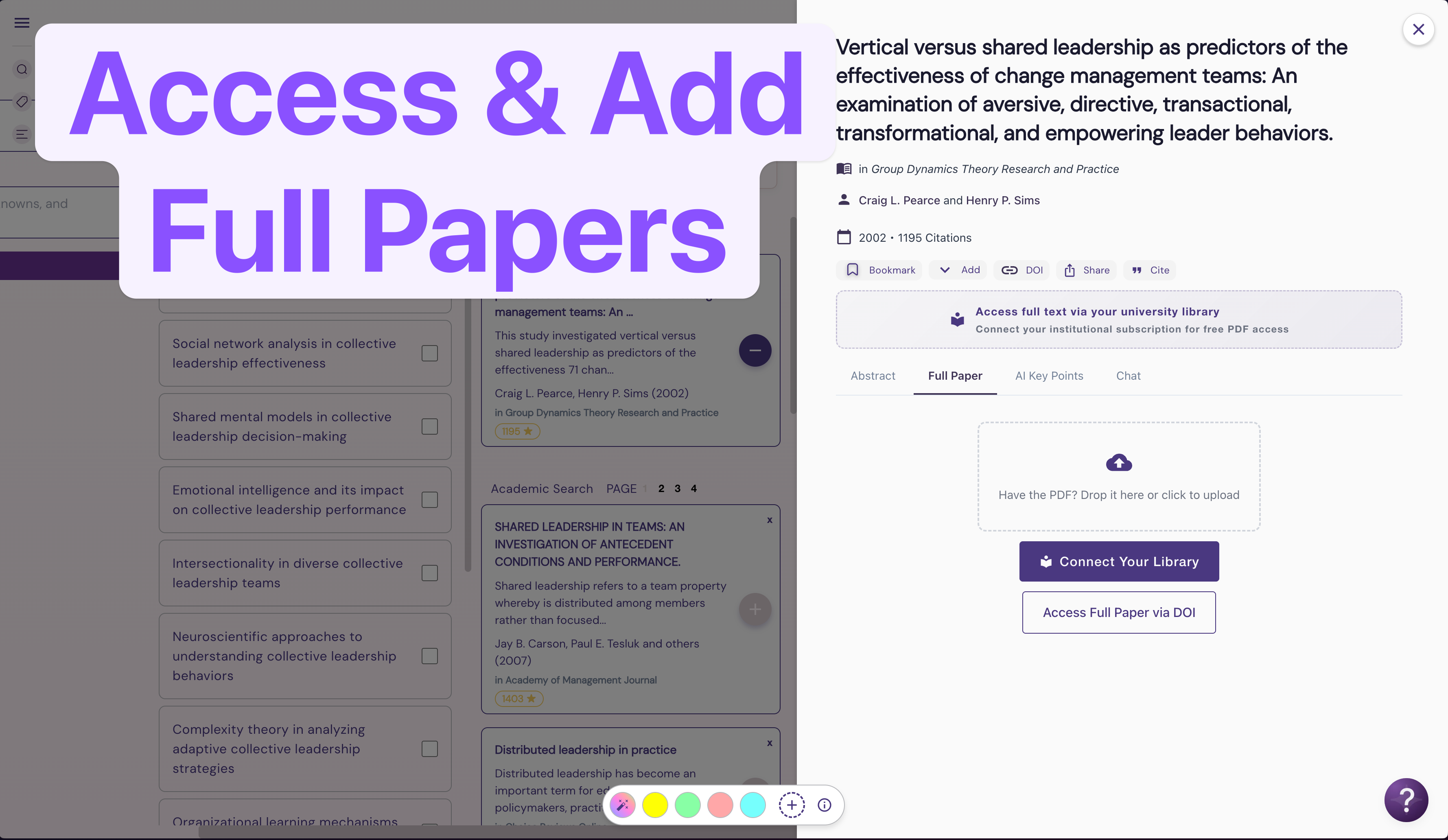
Paywalled papers? No problem! Wonders now has two new ways to add papers behind a paywall into your personal workspace.
1. Upload a PDF (Private library)
You can upload a PDF into your personal library (not shared with the rest of the Wonders community, except for users invited directly to your board). Simply click upload on the Full Paper tab as below:


Once the paper is uploaded, the full-text will appear in Wonders and will become available to the AI system for analysis.
2. Connect your Library
Alternatively, you can add your Library access ID into your Wonders account and access papers automatically.
Click “Connect Your Library” or “Access full text via…”

Add your Library ID (if you’re unsure what is this, check with your library services, they will be able to assist!)

And that’s it, you will now have the ability to access any papers your school is subscribed to.
Note on availability
NB: We’re aware that there are different systems for accessing paid library resources and we’re working on supporting more providers. If your system isn’t supported yet—please use the PDF upload feature for now.
– Wonders Team